See it in action
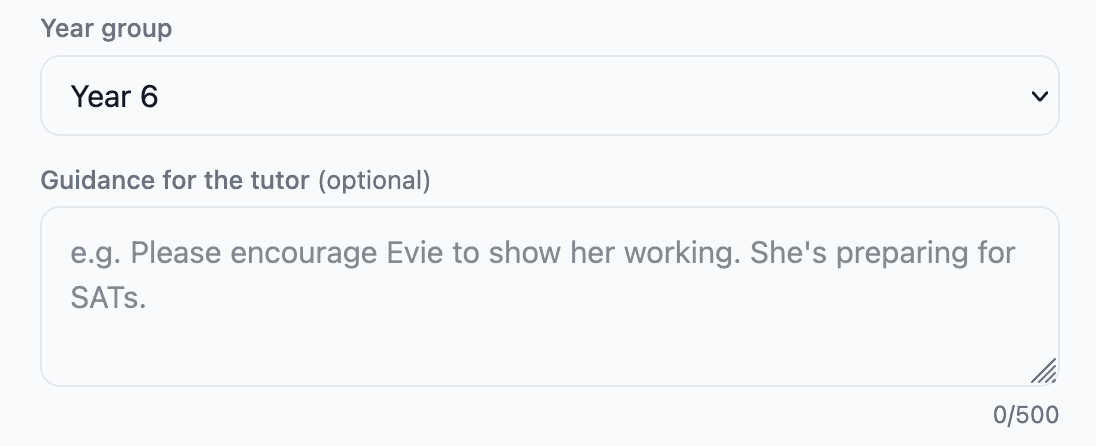
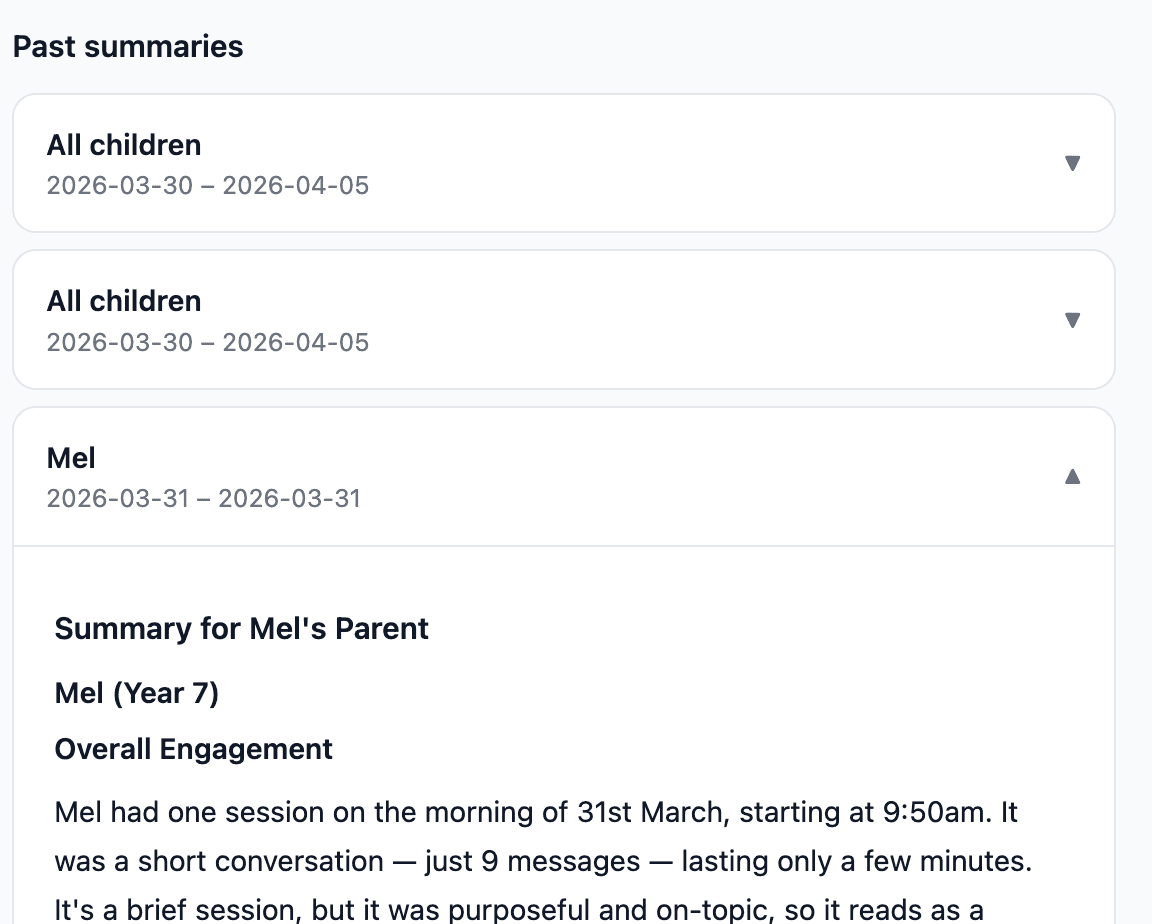
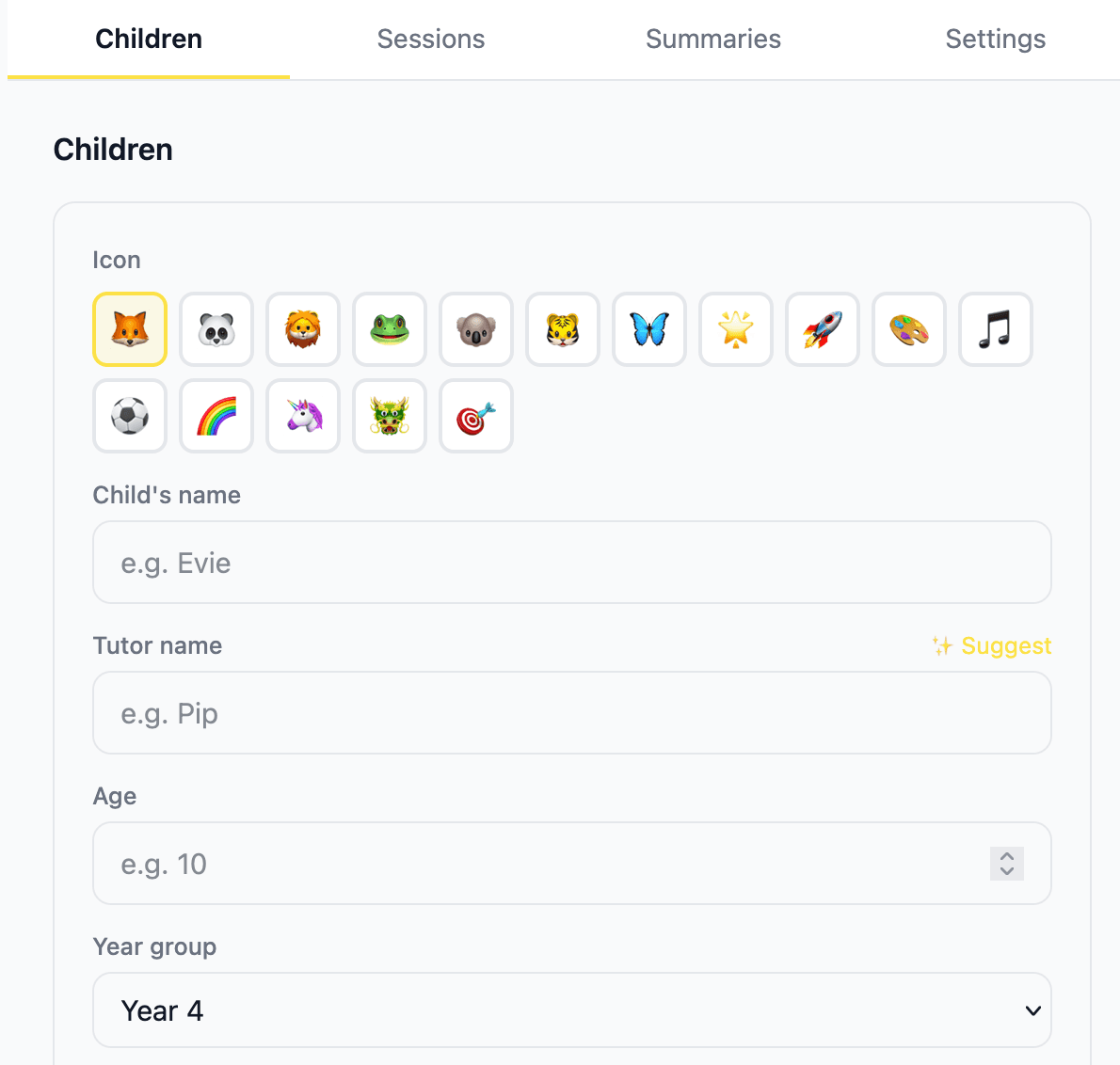
Customise your tutor
AI homework tutor for primary school children
A patient, encouraging AI tutor that guides children through their homework with questions — never just giving the answers away.
Create a profile with your child's name, year group, and a tutor persona they'll love.
Your child types a homework question — or photographs a worksheet. The tutor gets to work.
Pippenello never just gives the answer. It asks questions back, building understanding step by step.
Customise your tutor
Try it free. Upgrade when you're ready.
For teachers & schools
Set homework directly in Pippenello. Your children get a guided AI tutor that works through your brief with them — and you see exactly who engaged and when.
Create an assignment with a title, subject, description, and optional due date. Attach a worksheet image if you like. It lands in every linked child's Pippenello the moment you hit save.
When a child starts a session, Pippenello greets them by name, tells them what their teacher has asked, and guides them through it using the Socratic method — questions, not answers.
Your teacher dashboard shows every child: whether they've opened the prompt, started working through it, and when. No more wondering if homework was seen.
Parents see every homework assignment and its status in their dashboard. Pending, viewed, or started — they always know what's been set and what their child has done.
Pippenello knows the statutory National Curriculum for Years 3–8. Every tutor session is calibrated to the right year group — the right vocabulary, the right level of challenge.
Every tutor is hard-coded to stay on school subjects and redirect anything off-topic or inappropriate. Built for children from the ground up — not an adult AI with guardrails bolted on.
Create a teacher account at pippenello.com/teacher using your school's registration code. You'll get a unique invite code to share with parents.
Parents enter your invite code in their Parent Dashboard. Takes 30 seconds. Once linked, their children appear in your teacher portal.
Create homework assignments from your portal. Children are notified next time they open Pippenello. You see engagement in real time.
Interested in bringing Pippenello to your school or trust?
Get in touch →Absolutely. Every tutor is built to stay on school subjects and will gently redirect anything off-topic or grown-up back to a parent or teacher. Worksheet photos are never stored — processed and gone immediately. And you can read every single message your child has sent and received in the Parent Dashboard, so nothing is hidden from you.
Everything on Free, plus a lot more room to breathe: up to 4 children on one account, unlimited daily messages, worksheet photo mode so your child can photograph a page and work through it with the tutor, a Parent Dashboard with full session transcripts, and a weekly progress summary emailed to you every Sunday.
Every message is powered by a large language model, and those have real running costs. The 20-message daily cap is how we can offer Pippenello for free without it costing us the earth. Hit the limit most days? That's a great sign — and the Family plan removes it entirely.
No problem — just flip the switch in the Parent Dashboard under Settings. You can still pull up a summary whenever you like; opting out just means the Sunday email stops landing in your inbox.
Anytime — genuinely, no fuss. You can cancel directly from the Settings tab in your Parent Dashboard. You'll keep full access right up until the end of your billing period.
Teachers register with a school registration code and get a unique invite code to share with parents. Parents link their children to the teacher in their Parent Dashboard. From there, teachers can set homework assignments — children see them the next time they open Pippenello and the AI guides them through the work. Teachers track engagement in their portal; parents see status updates in theirs.
Yes — Pippenello is designed to work both at home and in school settings. Each tutor session is calibrated to the statutory National Curriculum for the child's year group (Years 3–8), stays strictly on school subjects, and keeps a full transcript that teachers and parents can review. It's built for children, not repurposed from a general-purpose AI.
School pricing is based on the size of your school or trust — get in touch at hello@pippenello.com and we'll put together a quote.
Drop us a line at hello@pippenello.com and we'll get back to you.
Sign up free and get started in minutes.
Get started free →